Grafora Emergency viewer
Emergency viewer: keep working when your main system is down.
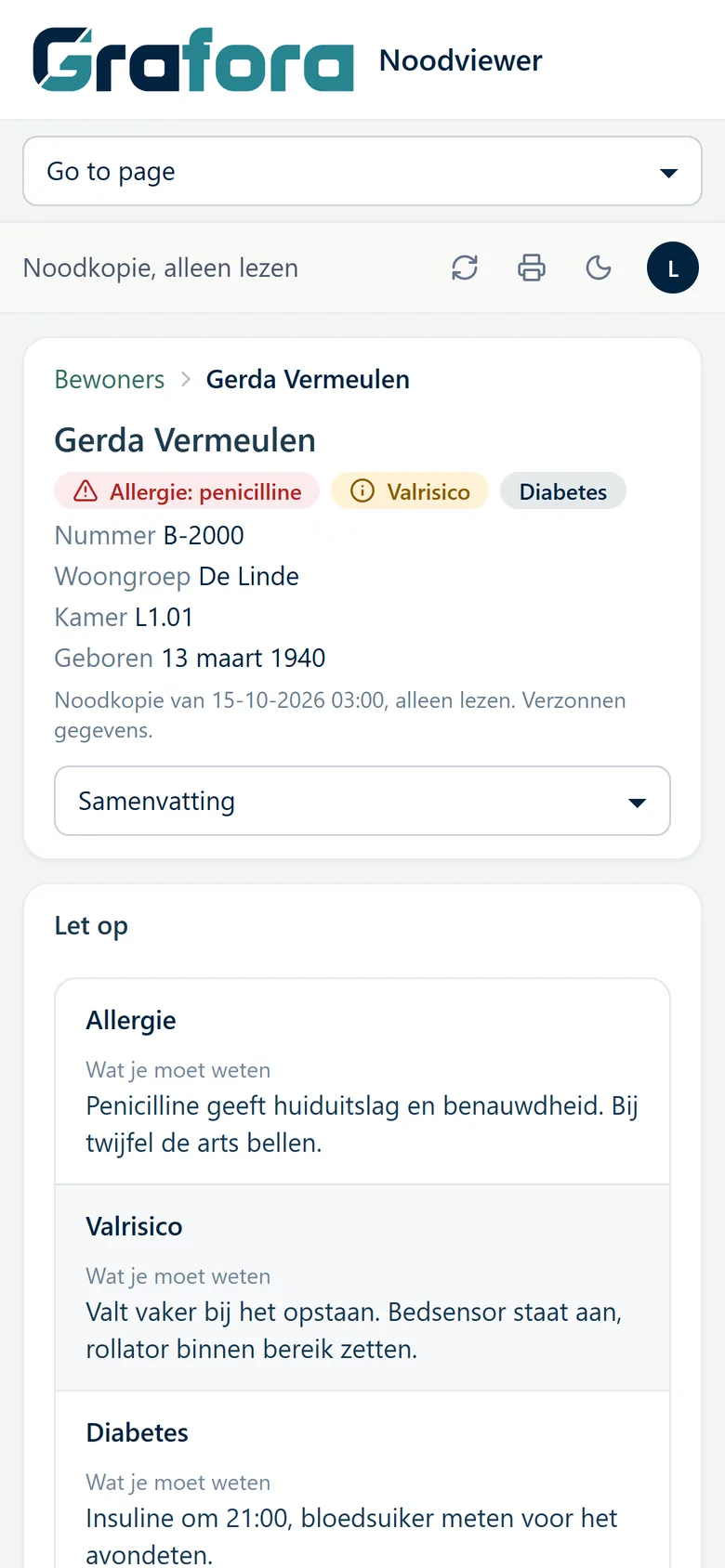
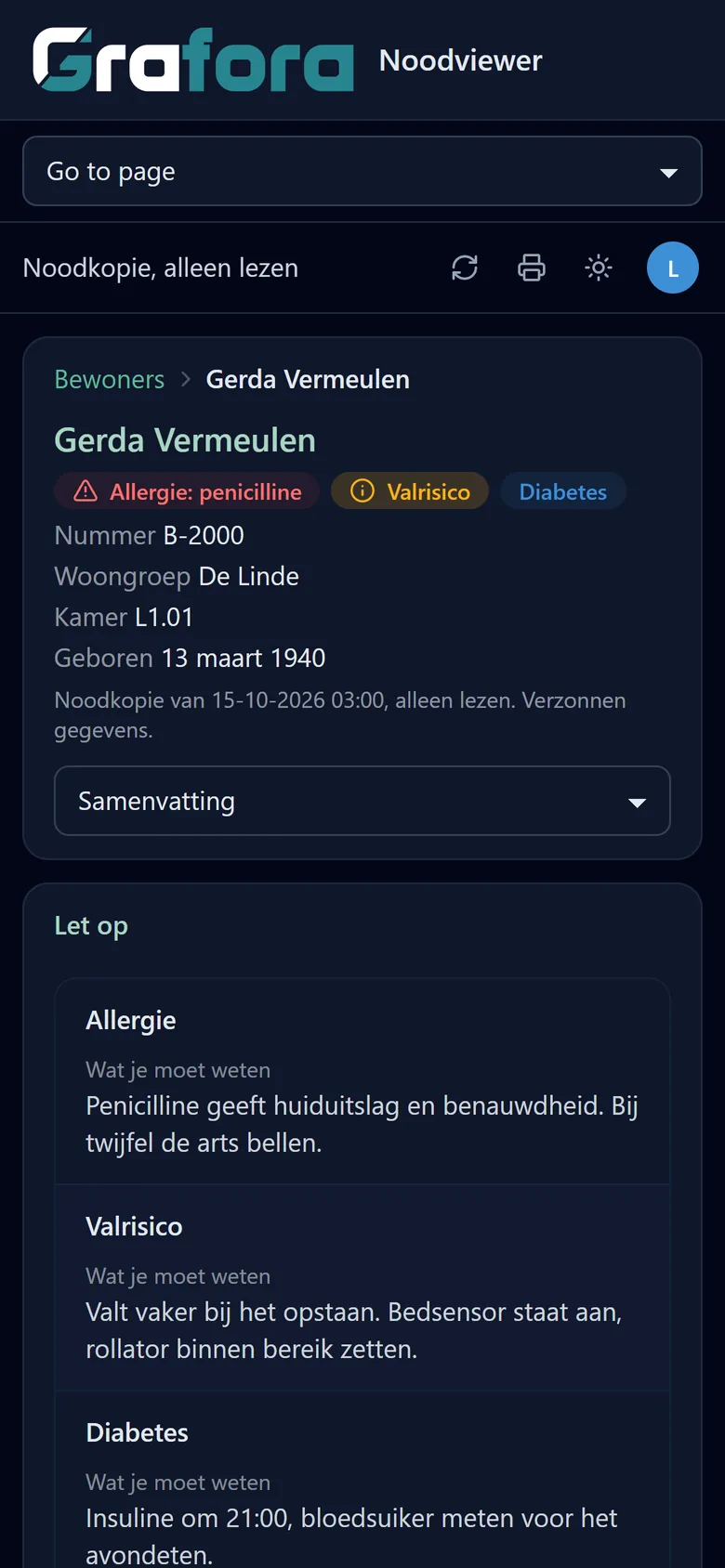
Continuity when it counts
An outage, a failed update or a ransomware attack can take down a care record system or ERP for hours or days. With the emergency viewer the key information stays within reach, so care and deliveries go on.
Separate from your main system
The emergency viewer runs on separate infrastructure, with its own copy of your data that is refreshed automatically. When the main system goes down, the emergency viewer keeps working, on a phone too.
In care it works with a copy from Nedap ONS, for example.
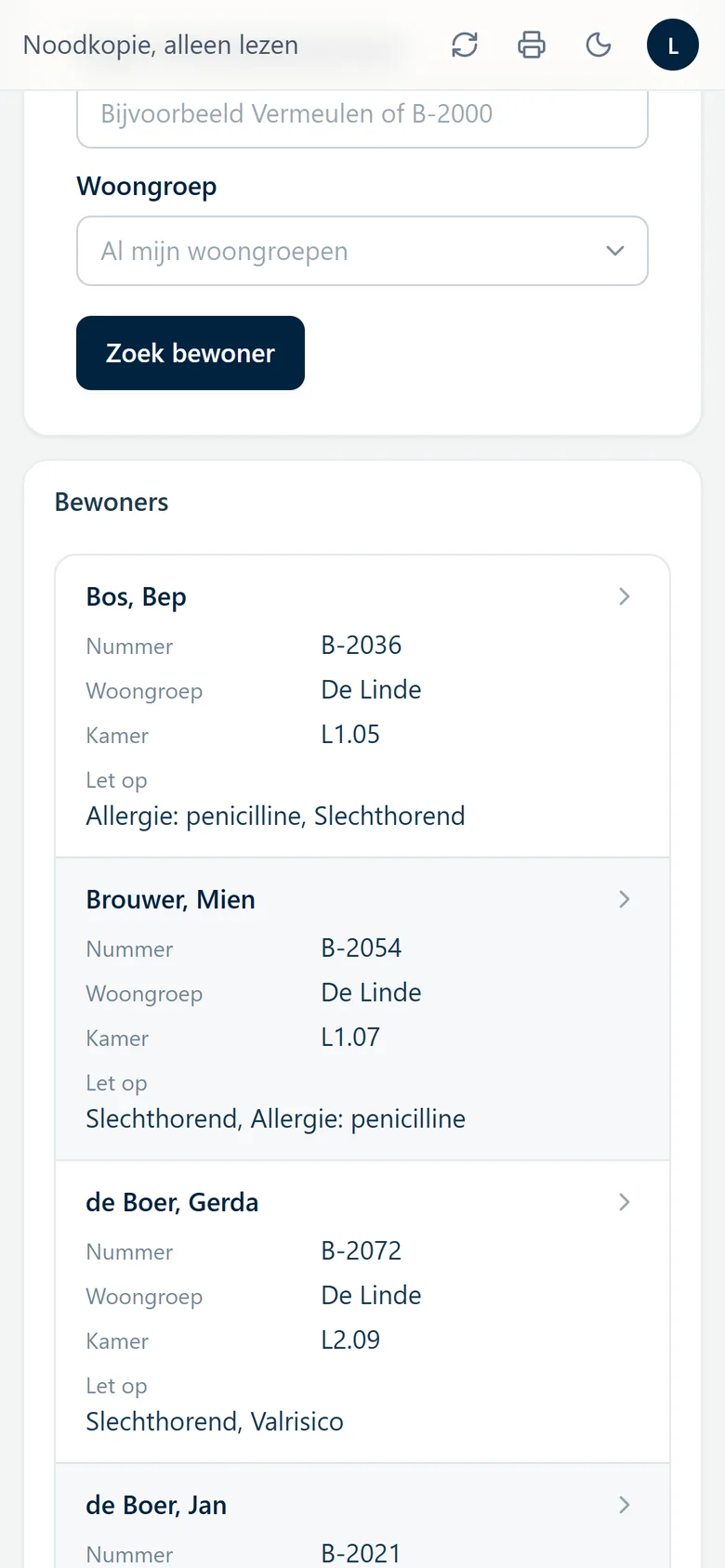
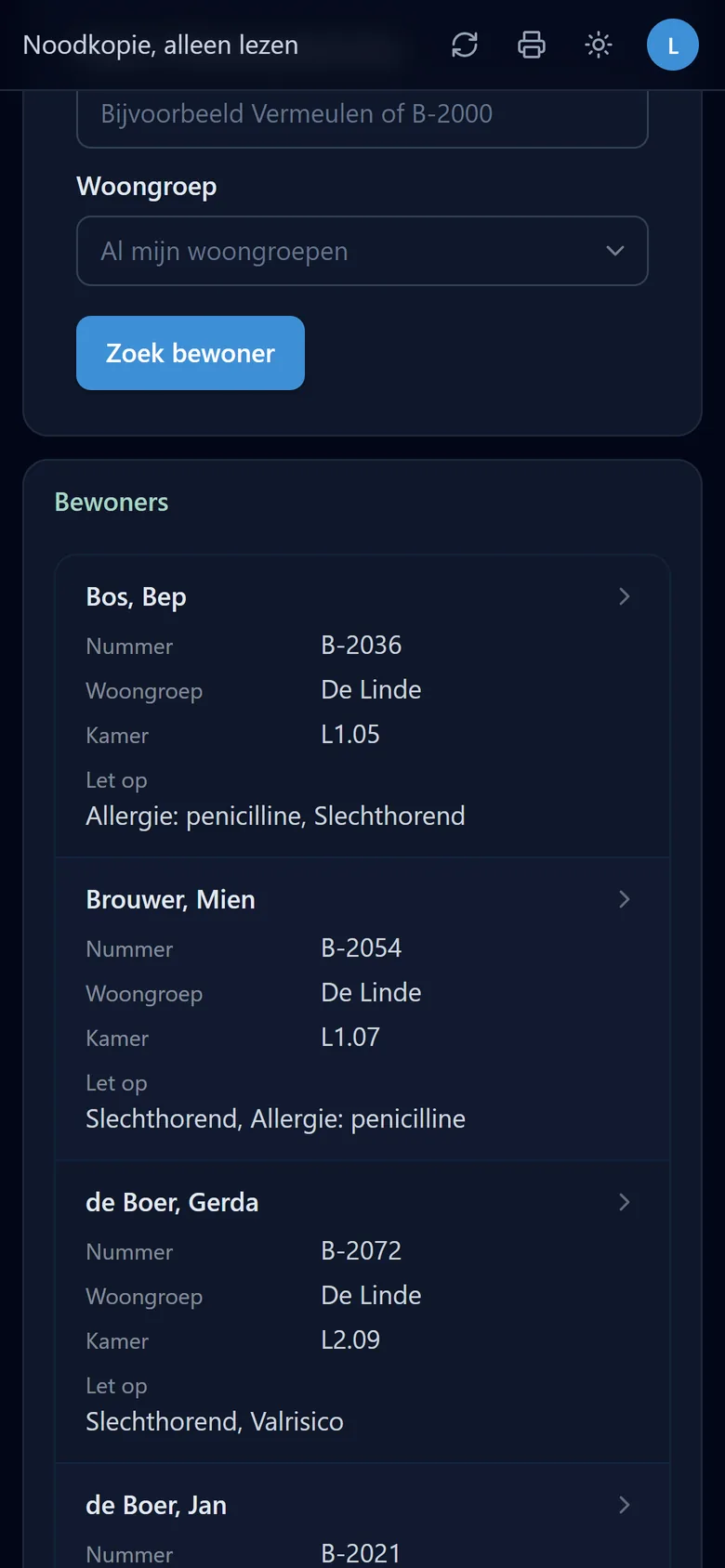
Only for those who may see it
Each team sees only its own clients or customers. Every view and every print is in the audit trail.
On paper when needed
Print a record or list with one click, or keep it as PDF. The heading says who printed it and when.
Who it is for
An emergency viewer for care, logistics and retail
Care
Logistics
Retail and wholesale
Why Grafora
- Runs apart from your main system, with its own accounts, so it keeps working when that system is down.
- An installation of its own per organisation, hosted in the EU or in your own Azure.
- A Dutch team that builds the software itself and talks to you directly.
Frequently asked questions about the emergency viewer
What is an emergency viewer?
A separate environment where staff can read and print the key data from your main system, even when that system is down because of an outage or a cyberattack.
Is the emergency viewer separate from our main system?
Yes. It runs on separate infrastructure with its own copy of your data, and with its own sign-in if you want.
Which systems does it work for?
For any system that can be copied: an electronic care record or medication system in care, or an ERP or TMS in logistics and retail.
How current is the information?
The copy is refreshed automatically, as often as your organisation needs.
Nedap and ONS are trademarks of Nedap N.V. Grafora is not affiliated with Nedap.
More of Grafora
- Power BI alternative One platform for reports and apps
- Overview The platform in brief
- Dashboards Click a number and see the rows behind it
- Data apps Enter and approve on your own data
- Data integration All your systems connected, automatically
- Record pages and printing Records on screen, phone and paper
- Dex, the AI assistant Build a dashboard from a sentence
- Security and audit Microsoft Entra, rights and an audit trail
- Hosting In the EU or in your own Azure
What can Grafora do for your organisation?
In a half-hour call we show Grafora on a situation like yours.